

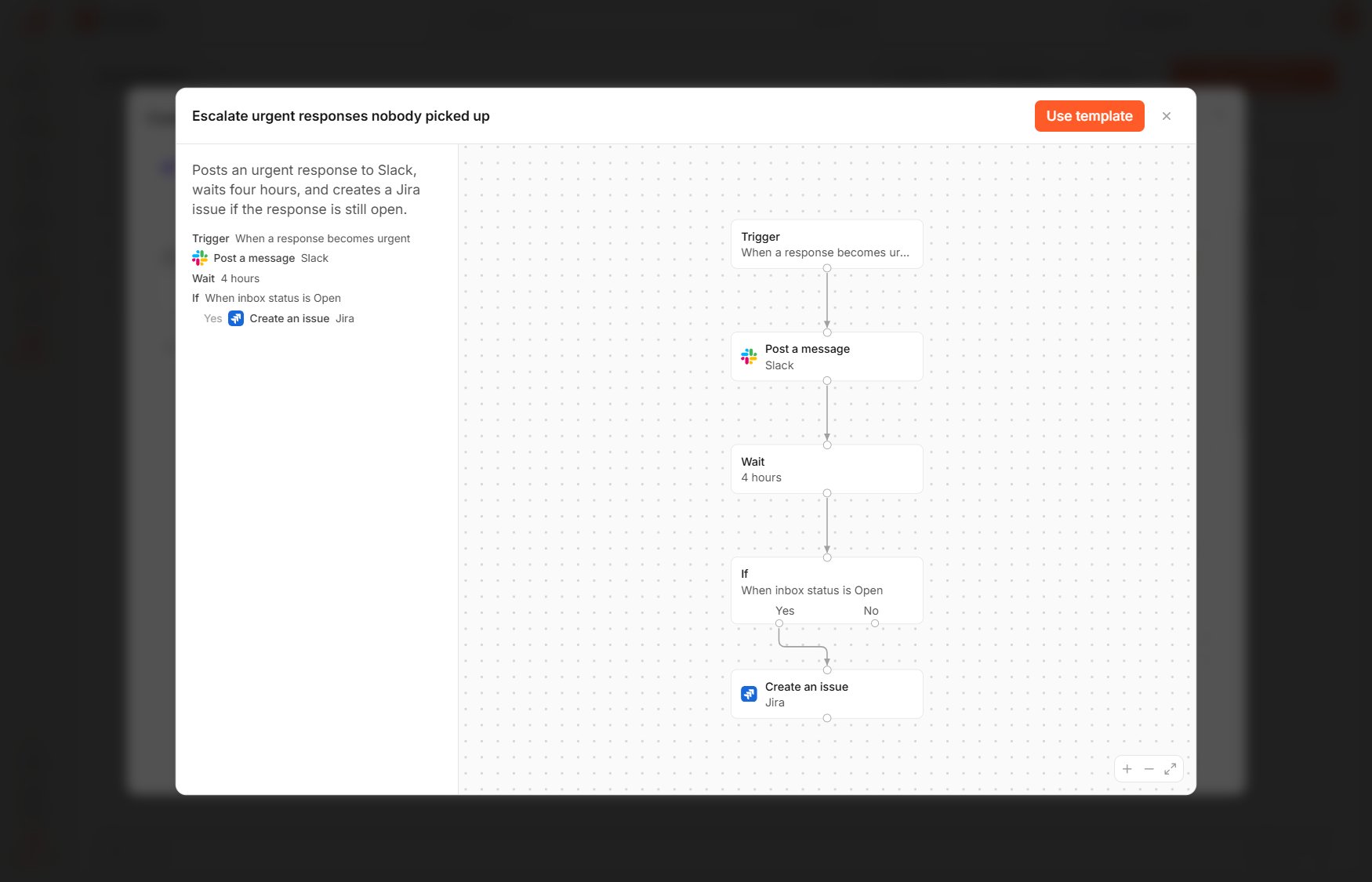
A template's preview
Use a template
1
Open the templates
On the Workflows page, select New workflow, then Templates.
2
Find a template
Type in Search templates, or narrow the list by selecting the kind Alerts, Tickets, Customers or Records.
3
Check what it does
Hover over a template to see its trigger, its conditions and each step. Preview shows the flow at a larger size, as it will look on the canvas.
4
Create the workflow
Select Use template, and the workflow opens on the canvas in edit mode.
The templates
After a template creates its workflow, you can change every part of it like any other workflow, including the survey, the conditions, the steps and their settings.