

Create a workflow
Create a workflow
1
Open the create window
On the Workflows page, select New workflow.
2
Choose how to start
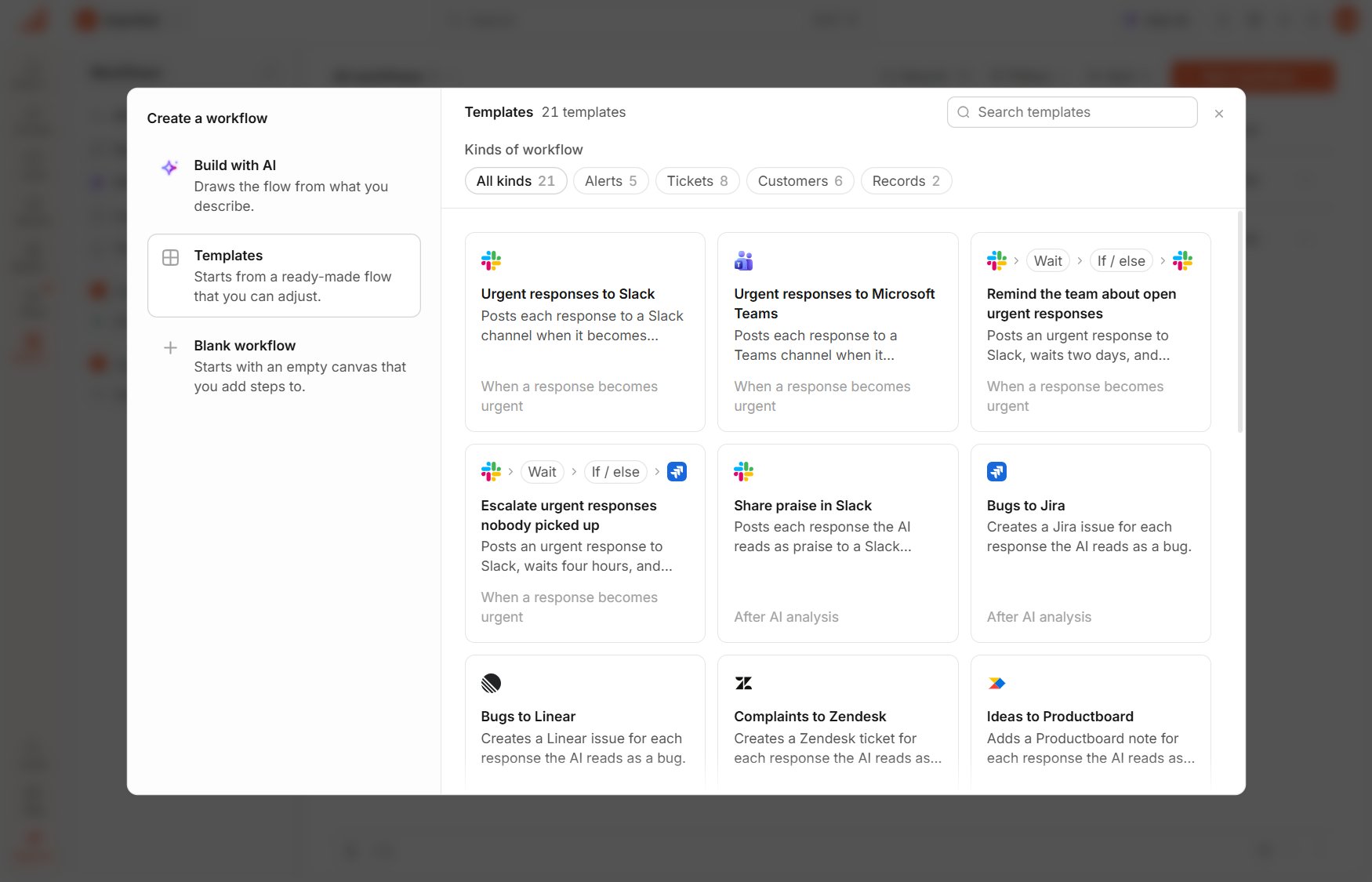
Under Create a workflow, select Build with AI, Templates or Blank workflow.
3
Choose the survey
The new workflow opens on the canvas in edit mode. If the trigger doesn’t name a survey yet, select one under Survey in the trigger’s panel.
- Build with AI draws the flow from what you describe. See Build a workflow with AI.
- Templates start you from a ready-made flow that you can adjust. See Workflow templates.
- Blank workflow asks for a Workflow name, then opens a canvas that holds only the trigger.
Start without the window
The arrow beside New workflow opens More ways to create, which lists Blank workflow, Build with AI, the first 12 templates and Browse all templates. Selecting a template there creates its workflow right away. Build with AI is grayed out when Usertick AI is turned off for the organization or your plan doesn’t include it, and hovering over it shows the reason.Create a workflow for one survey
- From the Surveys list. In the menu of a live or paused survey, select Workflows. The list opens filtered to that survey, and New workflow sets up the workflow for it.
- After publishing. The first time you publish a website, link or QR code survey, Usertick asks Send responses to your tools?. Add workflow opens the create window for that survey, and Not now closes the question.